 Cart
Cart
 SK
SK



5.3 Send email with PDF
PDF Maker allows you to send your pdf documents via email in few easy steps:
- Go to the detail view of given Module and on the left side of detail view, in the PDF Maker block, choose your PDF Template. The template is selected automatically in case the only one exists for given module or in case the default template is already defined (see chapter 4.9.3).
- Click on
 .
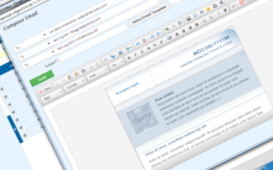
. - A popup window “Compose Email” will appear on the screen with already attached pdf file. Please add subject and text according to your needs. You can add additional recipients if necessary as well.
- Click on
 button to send email with attached file(s).
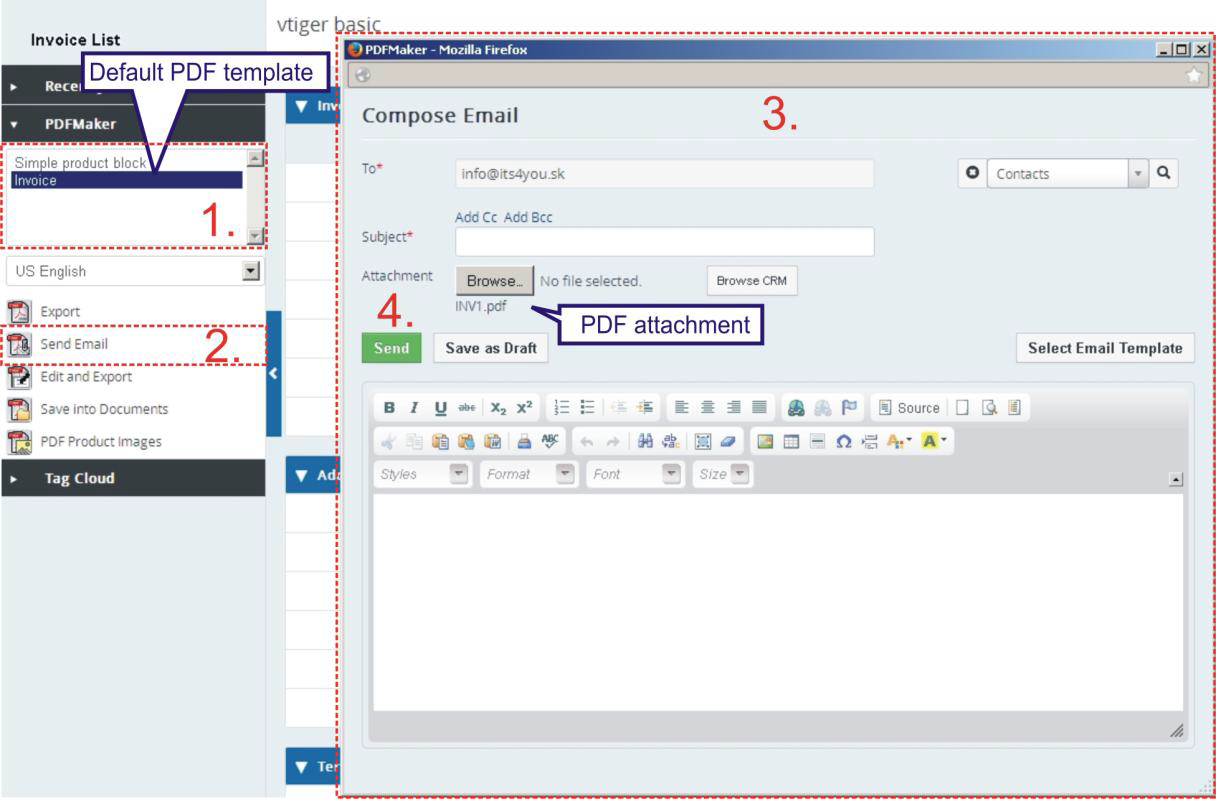
Picture Send Email with PDF – Compose E-Mail
